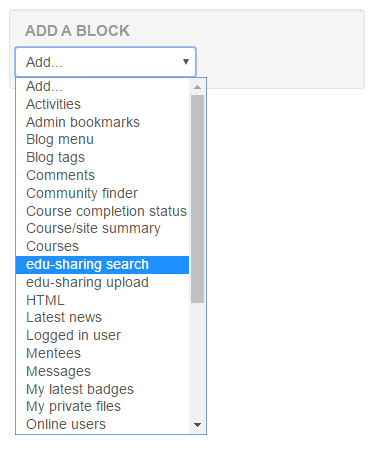
edu-sharing blocks must be made available by the Moodle site administrator.
Go to "Administration"> Site Administration> Plugins> Blocks> Manage Blocks in order to activate the blocks.
If there are no entries called "edu-sharing ..." check Plugins> "Plugins Overview".
After activating the edu-sharing blocks in the administration area you can add them to each course by means of the "Add a Block" menu.