
If you want to make contents available without the need of logging in, you can enable the guest user.
-
Create an user as described here, and note both username and password. All other values are not important
The recommended name and password for the guest user is "esguest"
-
Go in to Admin Tools → open the tab "Advanced System Configuration" and edit "homeapplication.properties.xml"
-
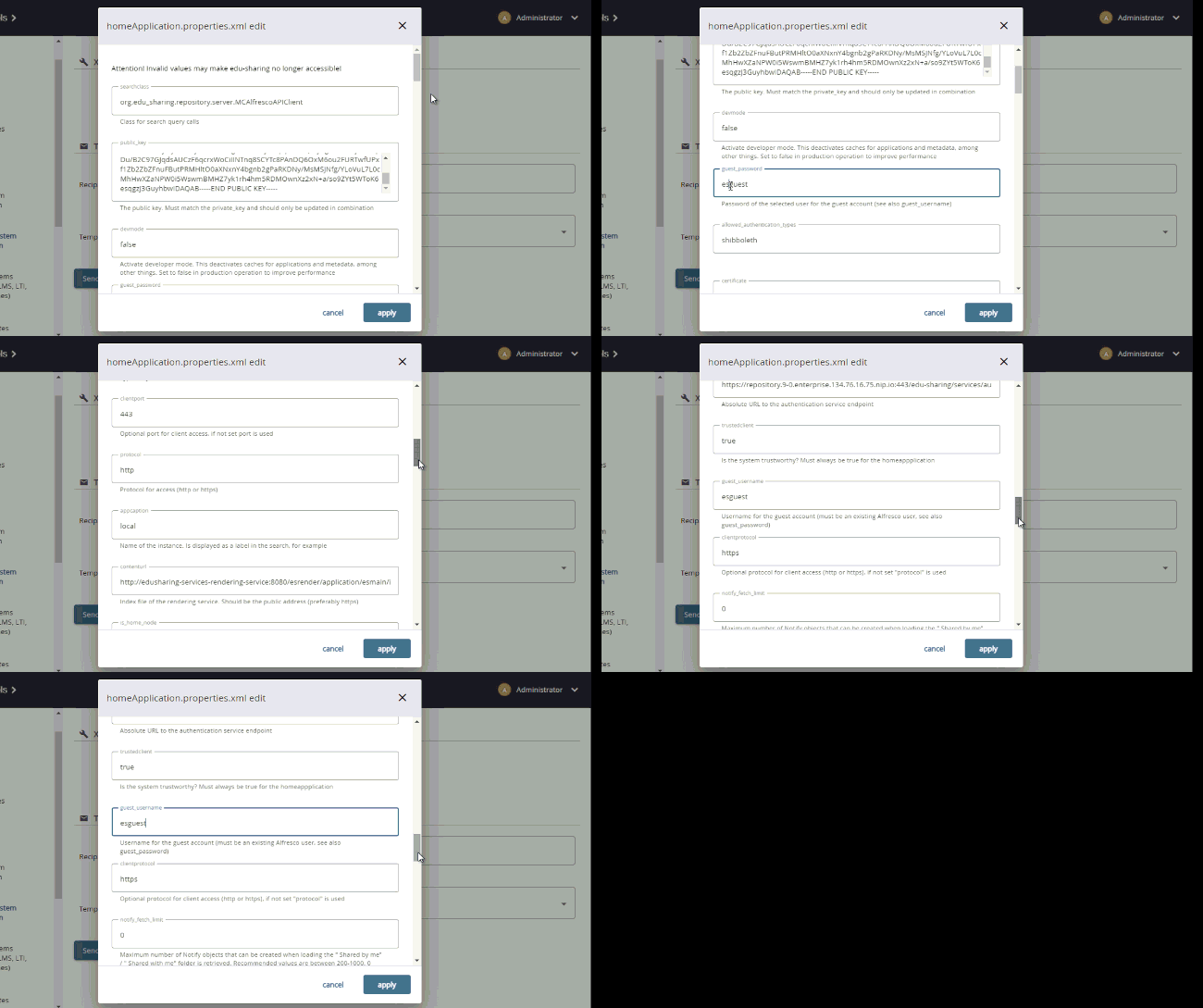
Edit both "guest_username" and "guest_password" and set it to the corresponding values chosen for the guest user.
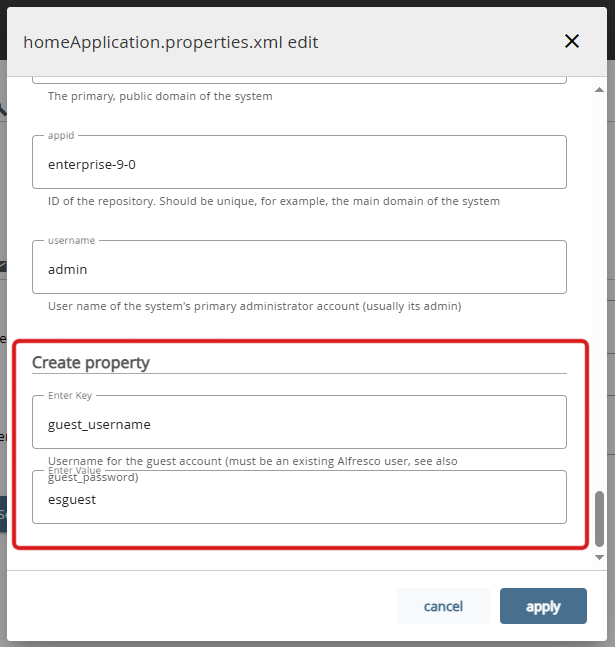
If the corresponding fields do not exist yet you will have to create them by means of the fields at the bottom of the list.
When finished, you can check if the guest works by accessing the repository without an user session. On the login page, the menu on the top left should allow you to navigate to other areas.