
The memo list can be filled with interesting materials during the search so that the search process is not interrupted unnecessarily.
The materials in the watch list can be downloaded individually or as.zip.
on this page:
Saving objects in the memo list
Objects can be added to the memo list in the search interface.
To do this, open the context menu of the object. Select the option "Add to memo list".
Opening the Memo List
The button to open the watch list is located in the menu, which also serves to manage your account.
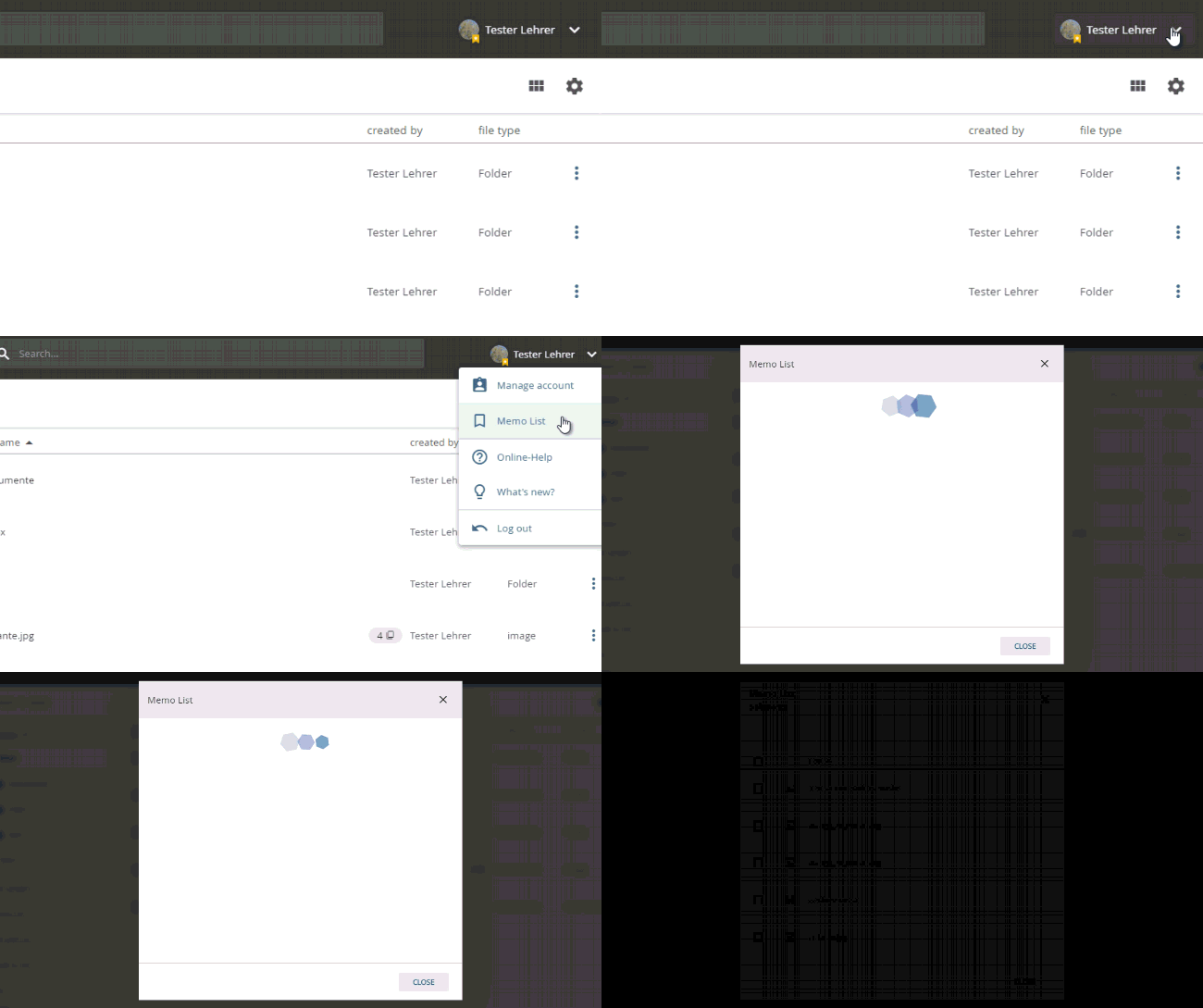
opening the memo list
Removing objects from the memo list
Open the memo list. Tick the desired objects and select the option "REMOVE".
Downloading objects from the memo list
Open the memo list. Tick the desired objects and select the option "DOWNLOAD".